Swipe or tap.
Swipe to type in English, or use dedicated Latin, Japanese, Korean and Chinese keyboards.
 Bilingual
A keyboard for conversations
Write replies and read copied messages in another language, directly from the Bilingual keyboard.
5 short AI translations a day. No subscription required.
For iPhone & iPad · iOS / iPadOS 26 or later
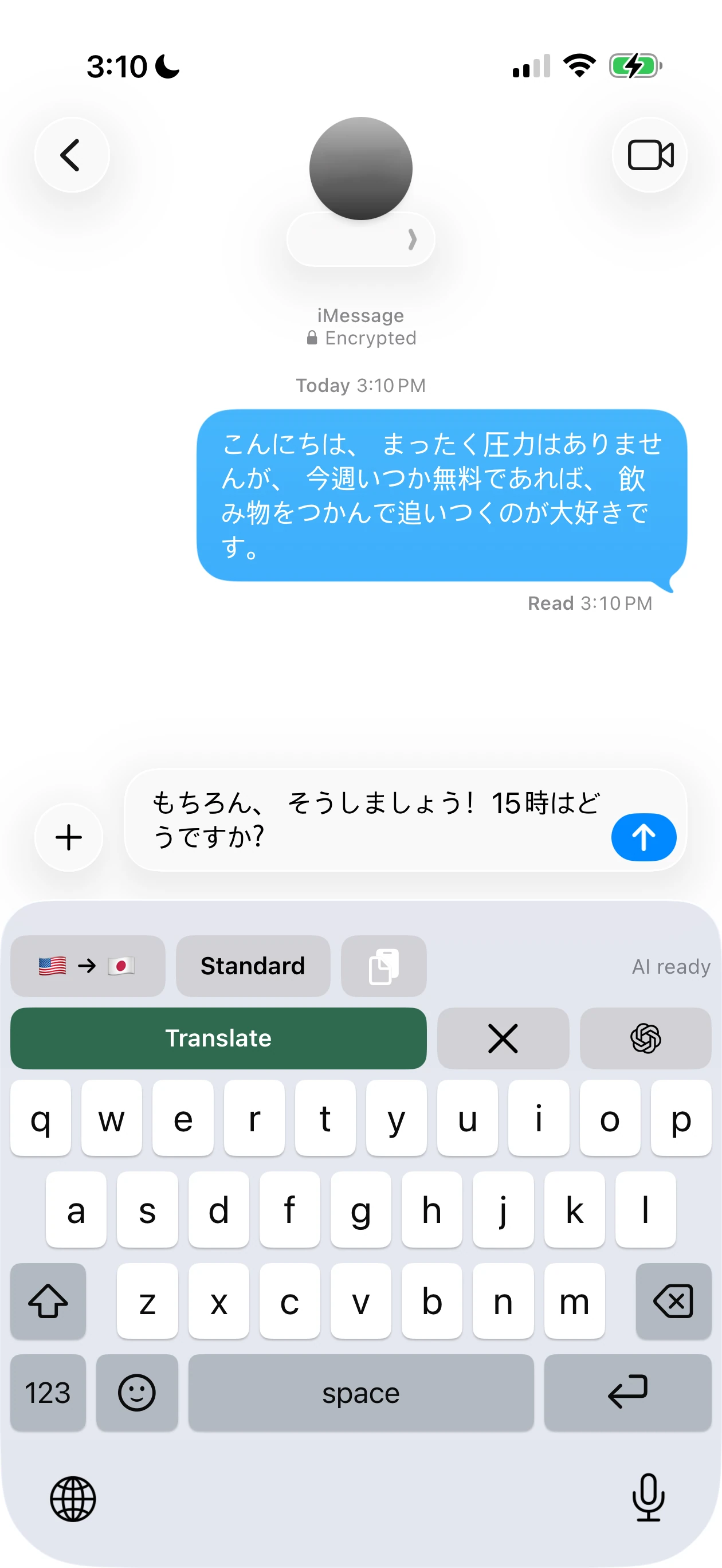
See it in action
Copy it, switch to Bilingual if needed, then tap Paste.
Type in your language and tap Translate.
Insert the result. You decide when to send.
A Japanese message is copied using Messages’ Copy menu. Bilingual’s Paste button translates it to: “I’m going out to eat with some friends tomorrow night. If you have time, do you want to come along?”
The review is dismissed. An English reply is typed: “That sounds fun! I might be a little late getting off work, so don’t wait up for me. Ill let you know when I’m on my way”. Typing is shown at 4× speed.
Translate produces a Japanese reply using Casual tone. The review shows the translation and original. Insert Translation replaces the English draft with the Japanese text. The reply is not sent.
楽しそう!仕事が終わるのが少し遅くなるかもしれないから、待たないでね。向かってるときに連絡するね。
The end card reads: “Bilingual. Translate where you type. 5 short AI translations a day. No subscription required.”
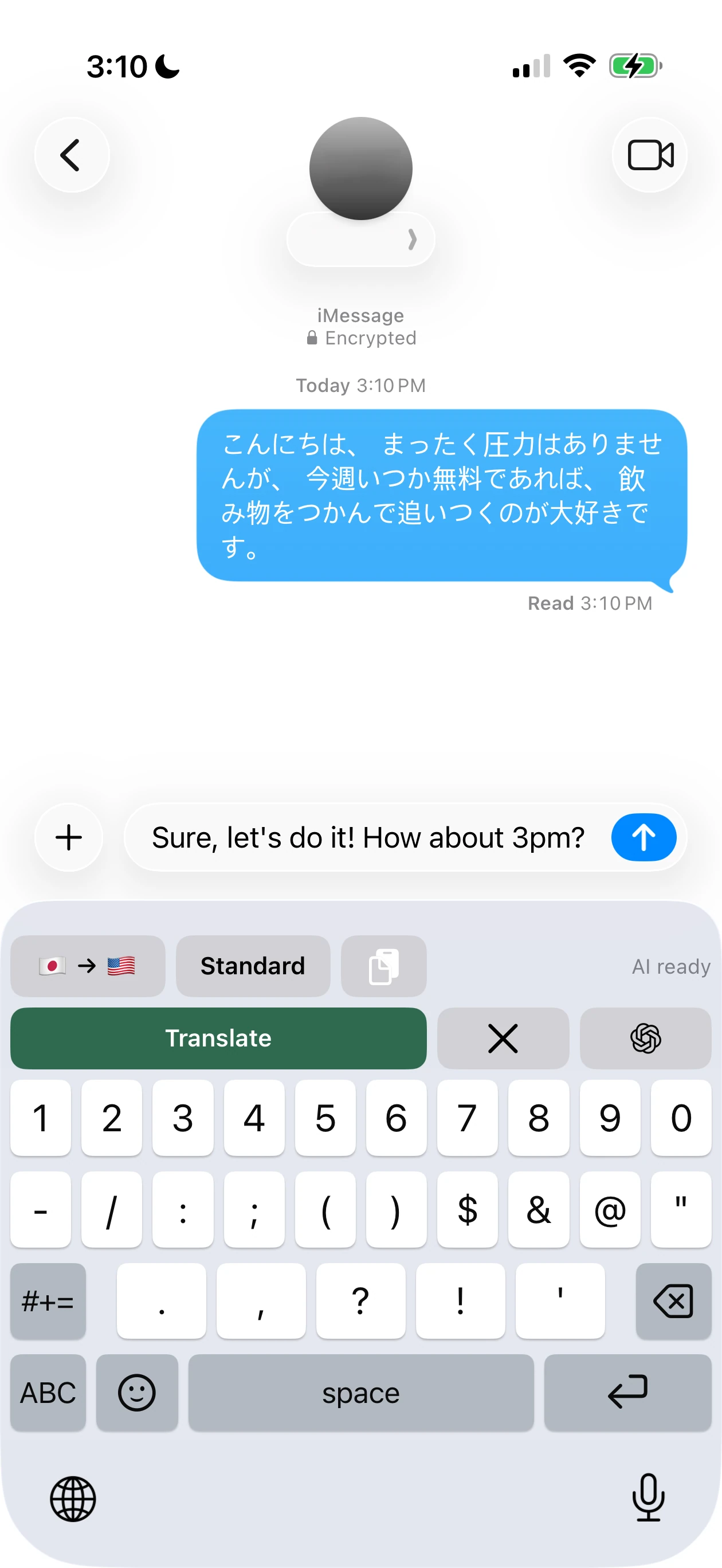
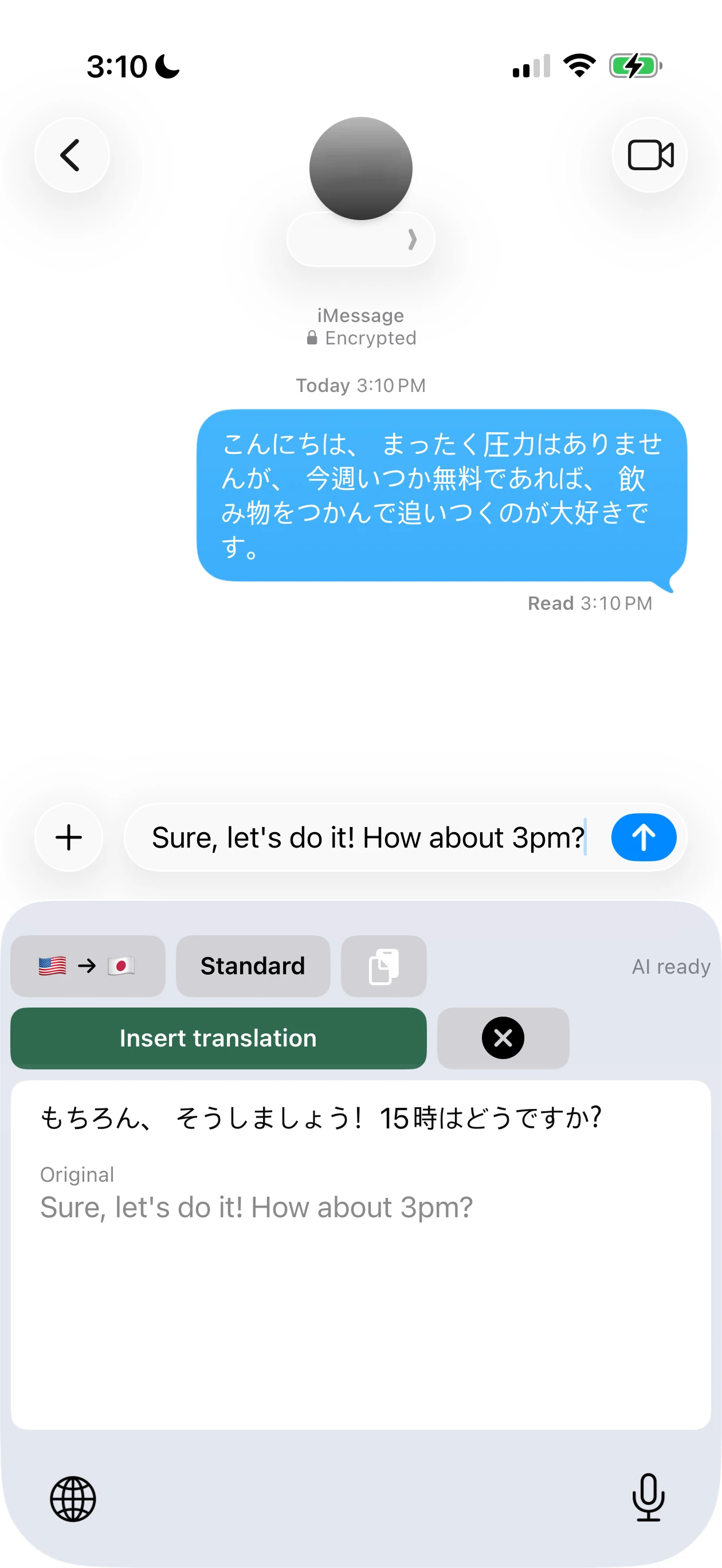
Tap any image for the full screenshot.
Swipe to type in English, or use dedicated Latin, Japanese, Korean and Chinese keyboards.
Casual, Standard or Polite, with Pro personalization for names, wording and more.
Translate on your device, without internet or a per-message fee.
Google Offline & AI Native
AI Native uses context and tone to help your message sound natural.
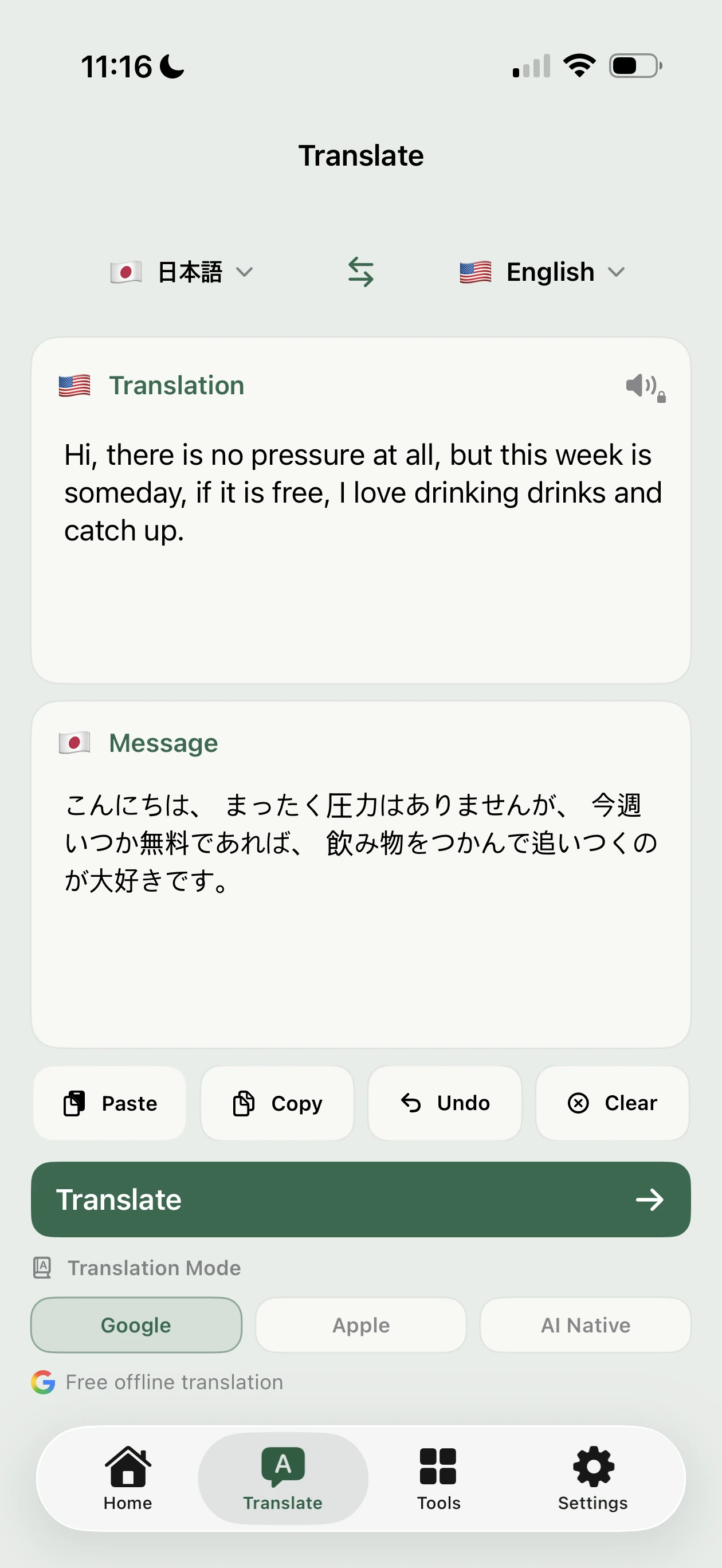
One Japanese-to-English example, not an accuracy benchmark. Google Offline isn’t Google Translate’s online service. Results vary. Tap to enlarge.
The companion app
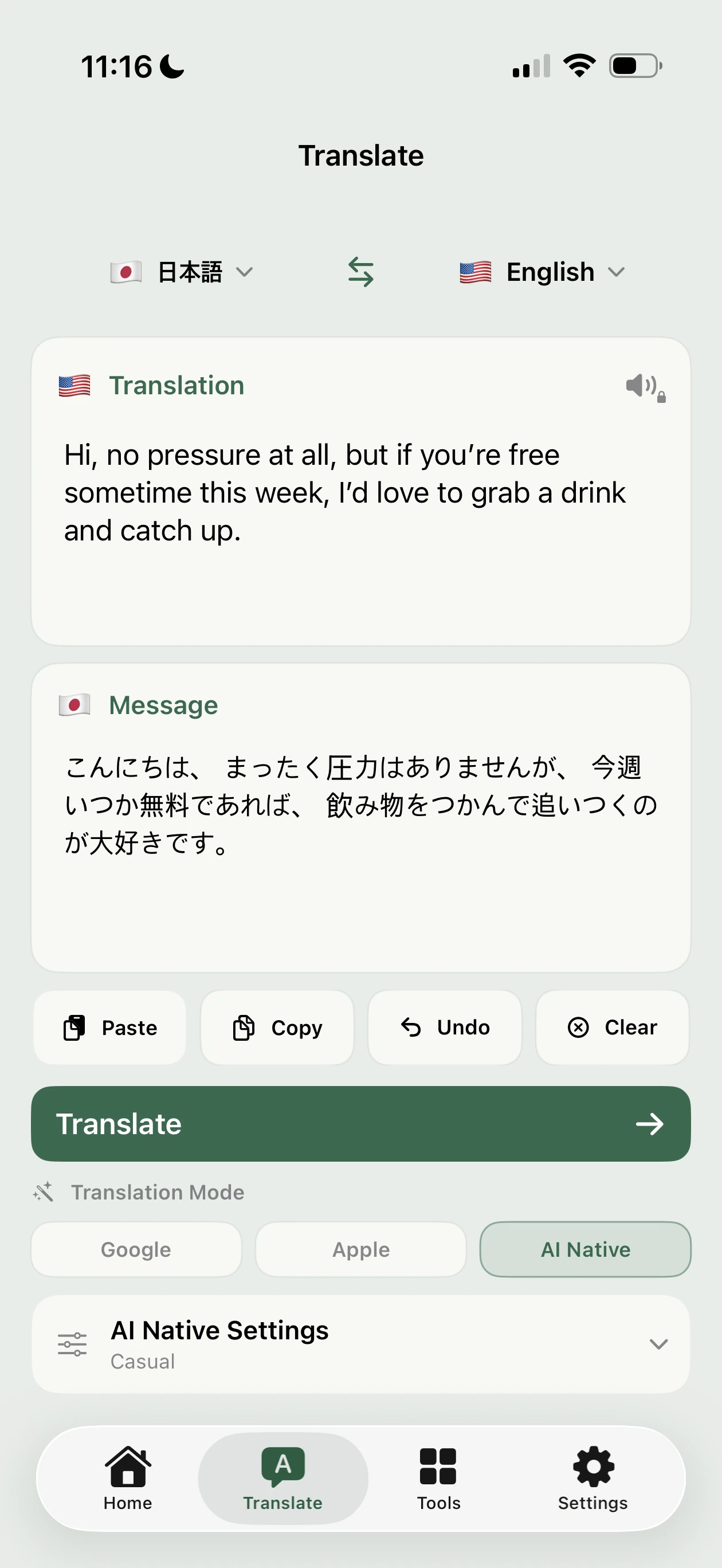
Review longer messages, personalize translations or translate text from images (Beta).
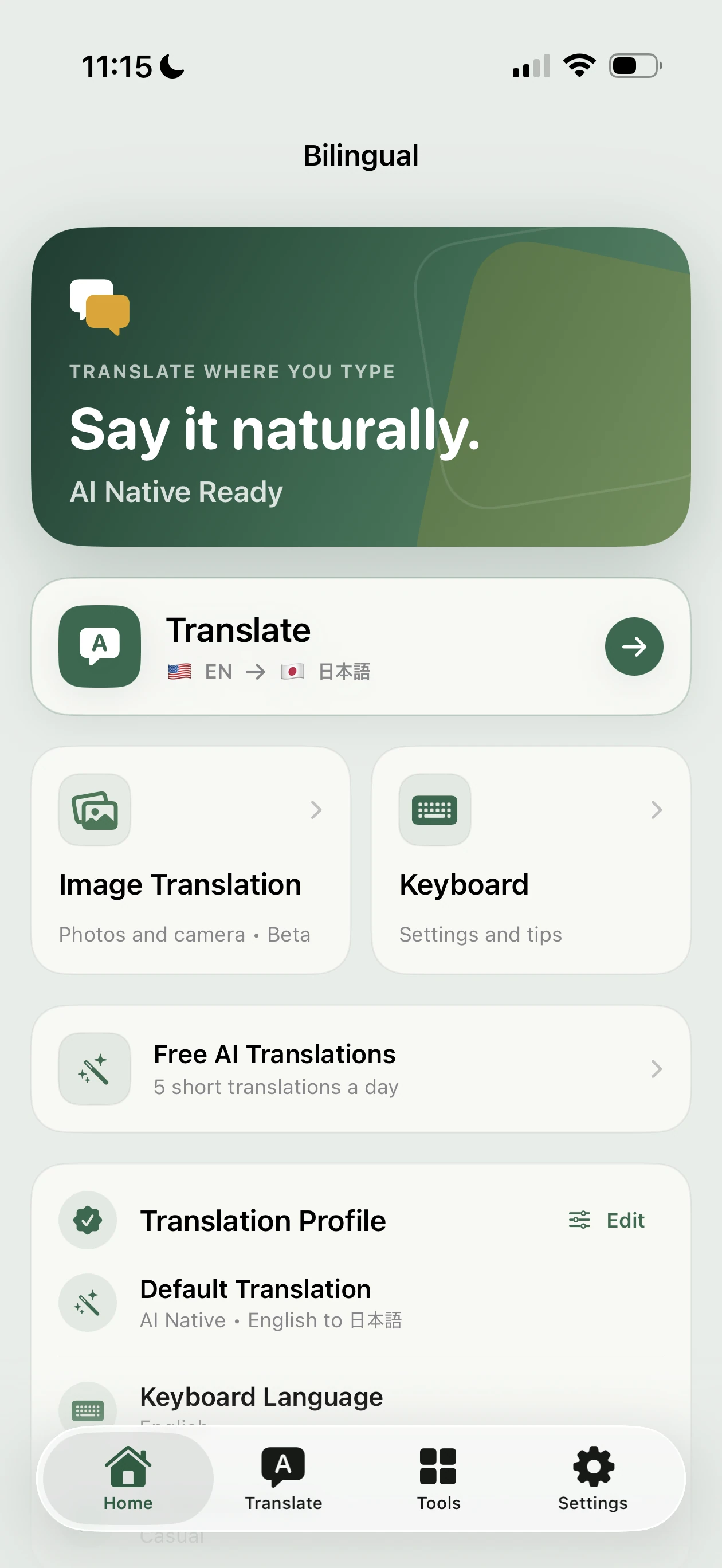
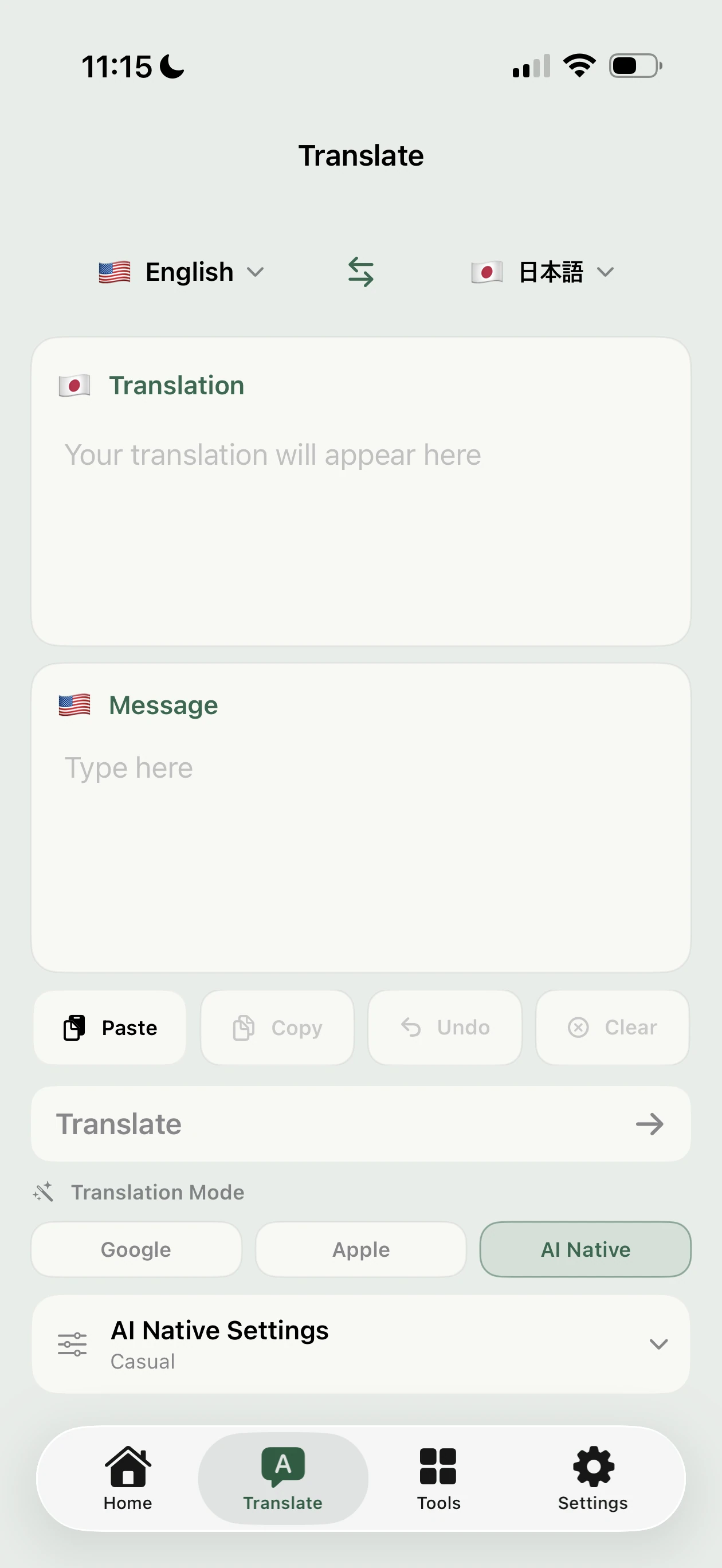
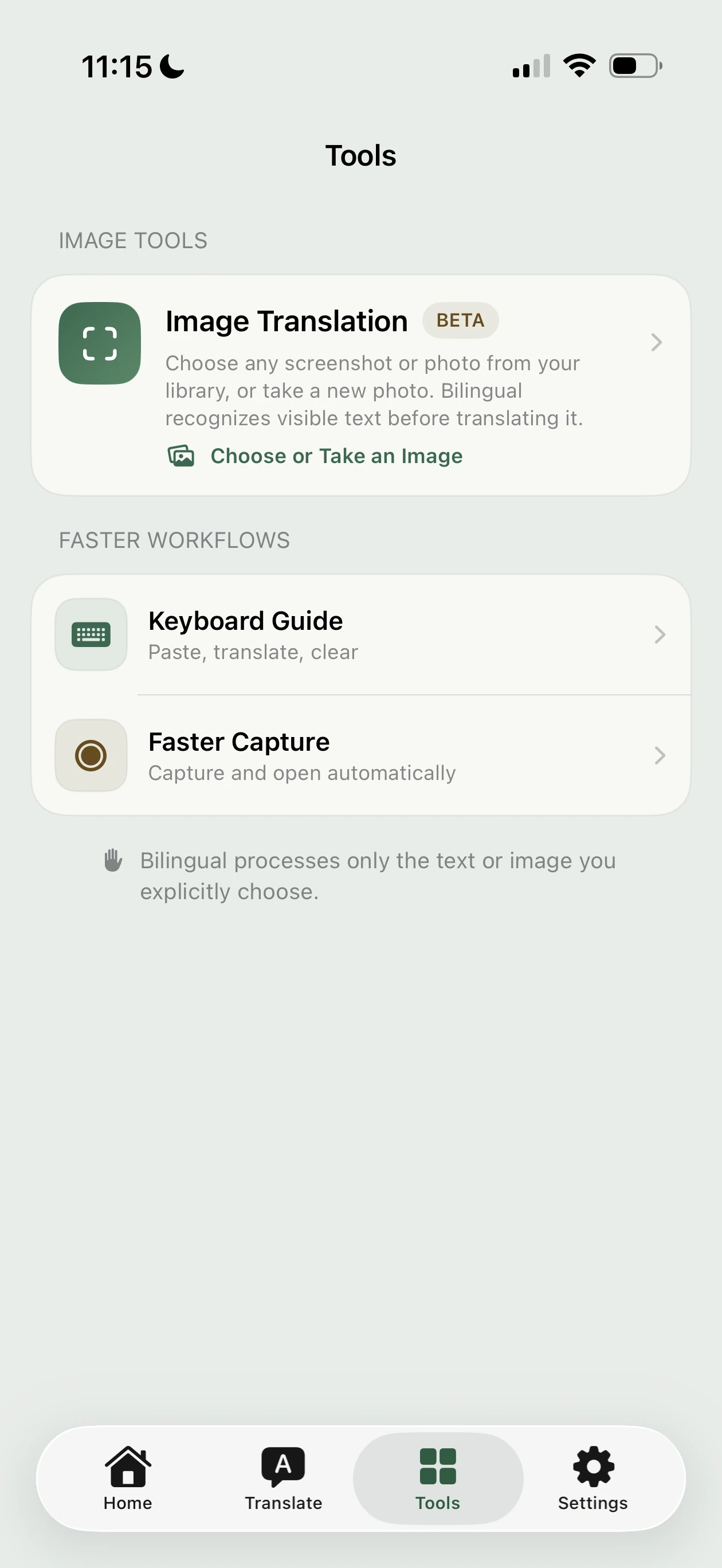
Across languages
Translate between supported languages, not just to and from English.
English · Japanese · Korean · Simplified Chinese · Traditional Chinese · Spanish · Vietnamese · Thai · Brazilian Portuguese · French · German
Explore English & JapaneseGood to know
Requires iOS / iPadOS 26 or later. Some apps and fields, including password fields, block custom keyboards. Reading or replacing a draft depends on what the app allows.
Google Offline is free after model download. Enable Free AI in the app for 5 short translations a day with all three tones. The optional monthly Pro subscription adds more AI use, longer messages and personalization. See the app for limits and local pricing.
The app guides you through enabling the keyboard. AI Native needs internet, Full Access and your permission to share translation text with OpenAI. Keyboard model downloads also need Full Access; pasting may prompt for permission. Get setup help.
Yes, after downloading Google Offline models. This isn’t Google Translate’s online service. Apple Translation is also available for supported pairs inside the app, not the keyboard.
Bilingual has keyboards for English, Spanish, French, Brazilian Portuguese, German, Japanese (Kana Flick and Romaji), Korean (2-Set), and Simplified and Traditional Chinese (Pinyin). For Vietnamese or Thai, type with the appropriate iOS keyboard, then switch to Bilingual to translate.
Bilingual doesn’t read your chat history or continuously upload typing. You choose what to copy or translate. AI sends submitted text, relevant settings and saved terms to OpenAI through Bilingual’s service, with your permission. Offline translation doesn’t require AI consent. Privacy Policy.
Bilingual